Overview

Blackbox Preset Builder is a dedicated tool for the 1010music Blackbox that turns preset creation into a clear, visual, and fast workflow. No more hand-editing preset.xml files: import your samples, fine-tune parameters, audition changes instantly, and save clean presets ready for your projects.

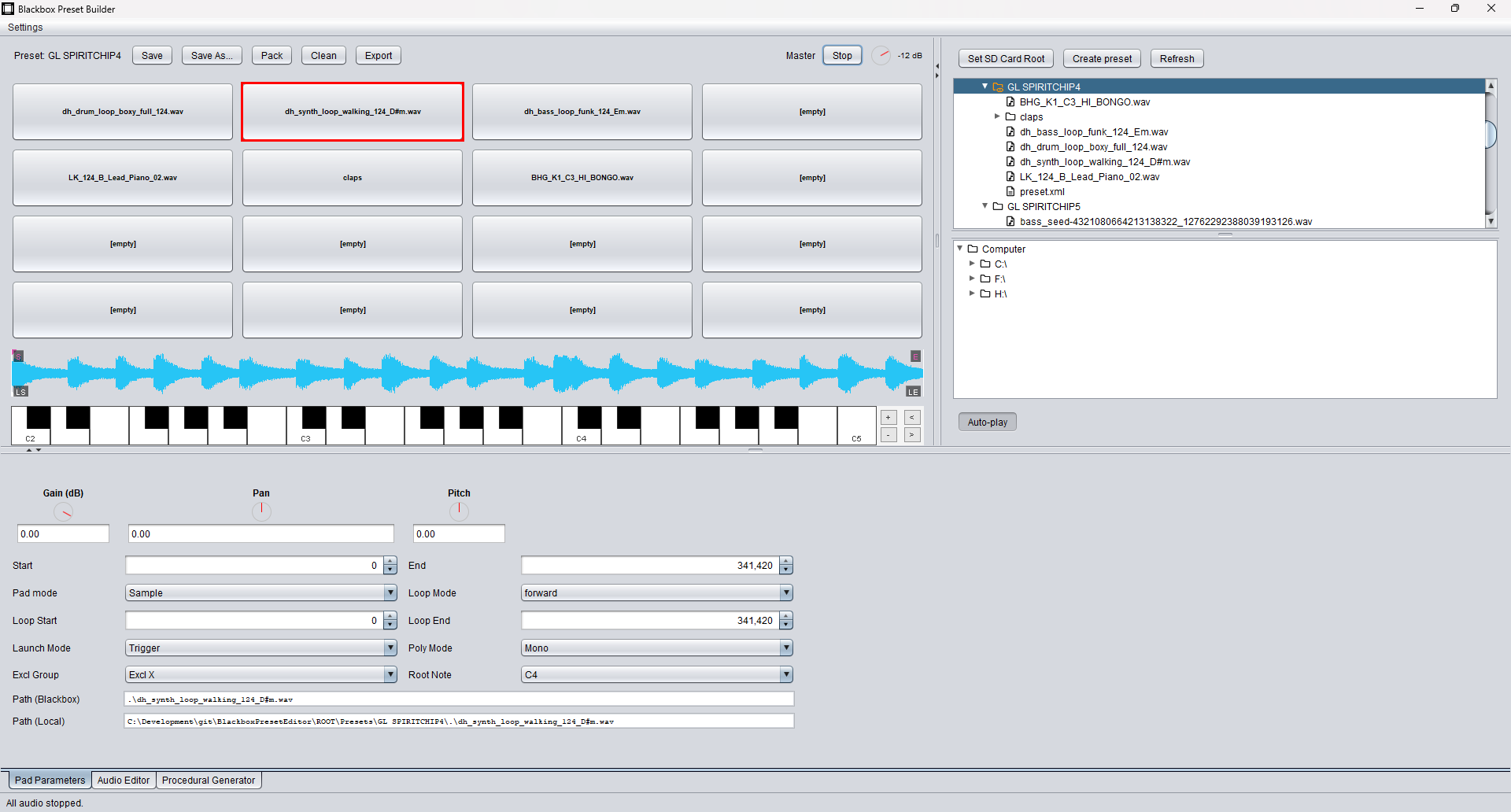
Blackbox Preset Builder screenshot
Key features
Sound & Pad Editing

Everything you need to shape your sounds directly from the editor before they ever hit the Blackbox.

  • 4×4 pad grid: assign a sample per pad, trigger with a click, play via the virtual keyboard or any MIDI controller.
  • Instant waveform view: quick peak display with Start/End and Loop Start/End markers, plus loop mode indicator (none / forward / bidirectional).
  • Move start, end, and loop points directly in the waveform: drag the markers to trim your sample or adjust the loop in real time while you listen.
  • Full pad editing: gain (dB), pan, pitch (±24 semitones), pad mode (Sample / Clip / Slicer / Granular), Poly / Mono, root note and playback options.
  • Keyboard & MIDI input: play the current pad across the keyboard (with transposition) and test mappings instantly with your MIDI controller.
Waveview
Audio Editor

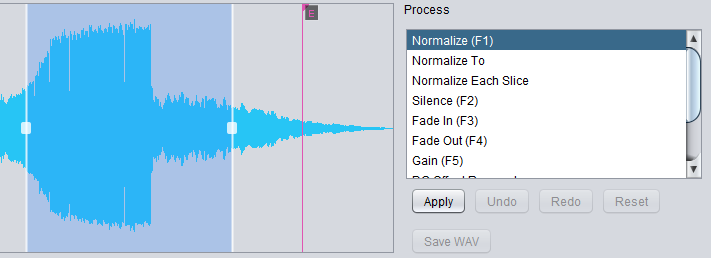
Edit the audio assigned to the currently selected pad using a fully non-destructive workflow, with complete Undo / Redo support.

  • Apply common processes instantly: Normalize, Silence, Fade In / Fade Out, Gain, Reverse, DC Offset Removal, and more.
  • Normalize Each Slice helps keep slice-based kits consistent.
  • Pitch / Time lets you adjust tuning or timing while keeping your workflow fast and reversible.
  • All edits are tracked and can be reverted at any time via Undo / Redo.
Audio Editor
Workflow & Navigation

Designed to speed up everyday tasks: browsing, assigning samples, reorganizing pads, and preparing presets for the Blackbox.

  • Drag-and-drop everywhere: from file browser to pad to assign a WAV, and between pads to move or copy cells.
  • Smart preview: auto-play option when selecting WAVs in the browser for quick sample auditioning.
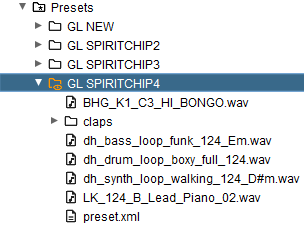
  • Fast file browsing: optimized cache for smoother navigation and quicker folder switching.
  • Clear pad overview: see at a glance which pads are used, how they’re configured, and which samples they reference.
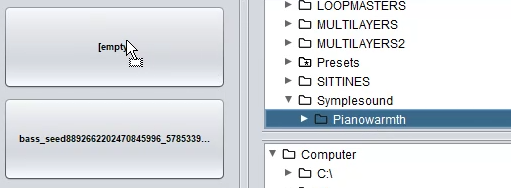
File Browser
Export & Sharing

Keep your presets portable: move easily between the Blackbox, your DAW, and software samplers.

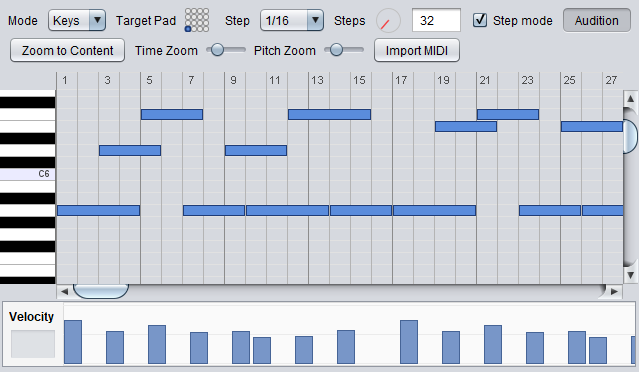
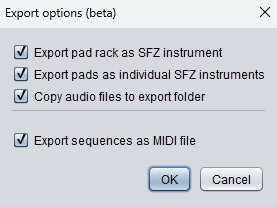
  • MIDI export for sequences: generate standard .mid files from your patterns to edit, arrange, or layer them inside any DAW.
  • SFZ export for pads: export your pad rack as a single SFZ file, or export individual pads (including multi-samples) as separate SFZ instruments for use in compatible software samplers.
Export
Procedural Generator

The Procedural Generator gives instant inspiration and lets you reshape, randomize or drop new sounds onto any pad in seconds.

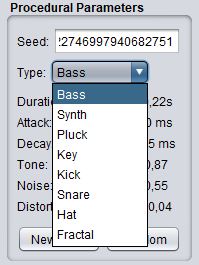
  • Generate fully-formed sounds: kicks, basses, synth tones, and more.
  • Drag-and-drop directly onto any pad to update it instantly.
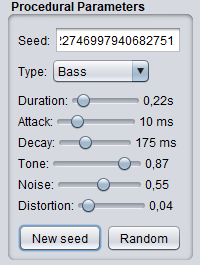
  • Tweak parameters to refine or randomize the result as much as you like.
  • Ideal for sound design sessions or rapidly prototyping new Blackbox presets.
Procedural Generator Controls Types Procedural Generator Controls
Supported Operating Systems
Windows · macOS · Linux (Debian/Ubuntu)
Any platform with a Java 8+ runtime
64-bit